Instal Hosted Exchange account Outlook Android
Download Outlook for Android via Google Playstore
https://play.google.com/store/apps/details?id=com.microsoft.office.outlook
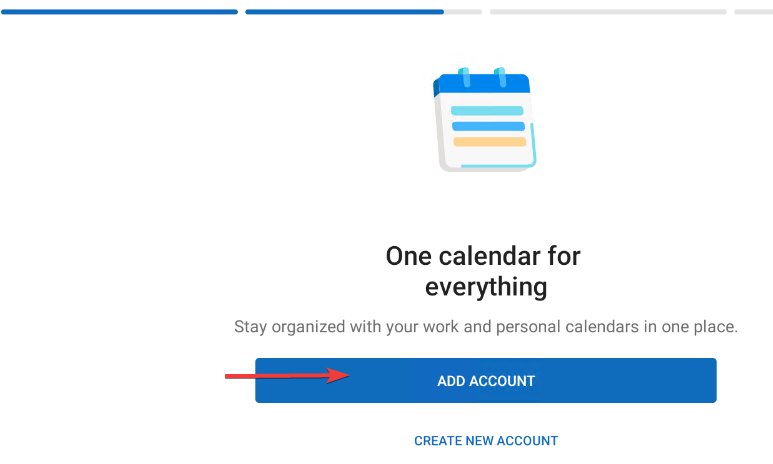
- Start Outlook and click on Add account
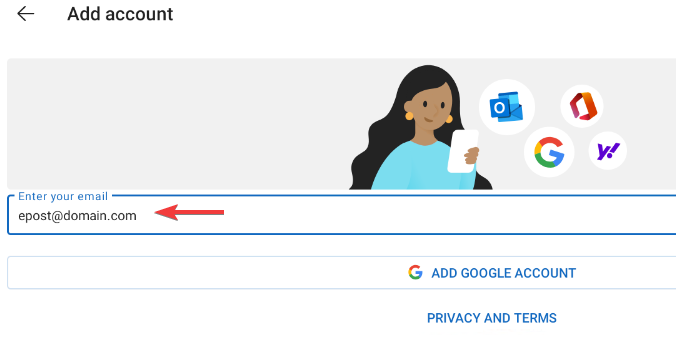
- Enter your email address and click on next
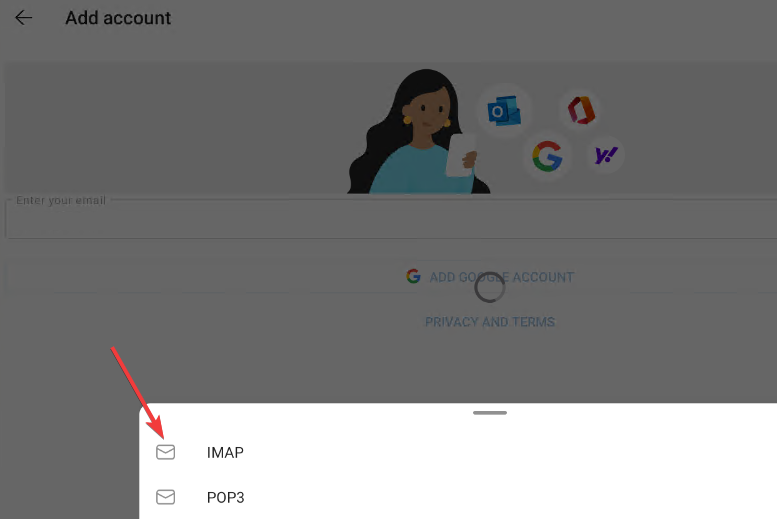
- In the next box, click on IMAP even though it is not an IMAP account that you are going to set up.
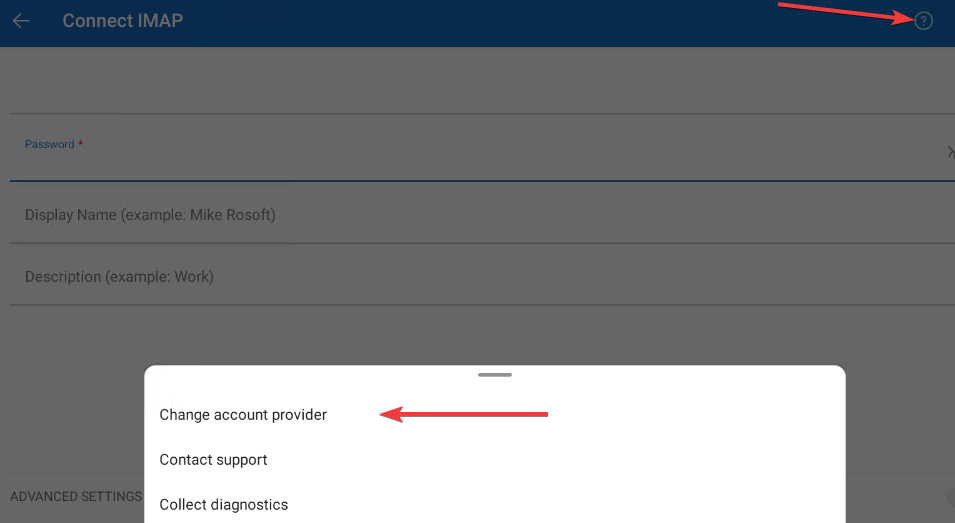
- Then click on the question mark at the top right and then on change account provider
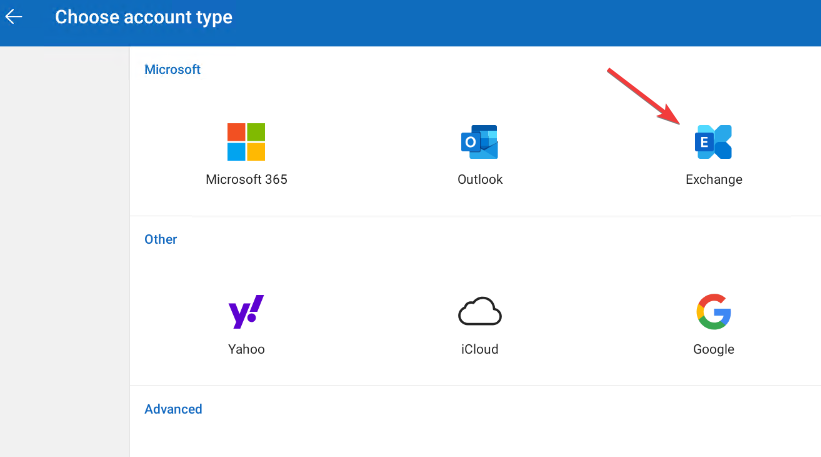
- Then click on Exchange
- Click on advanced settings
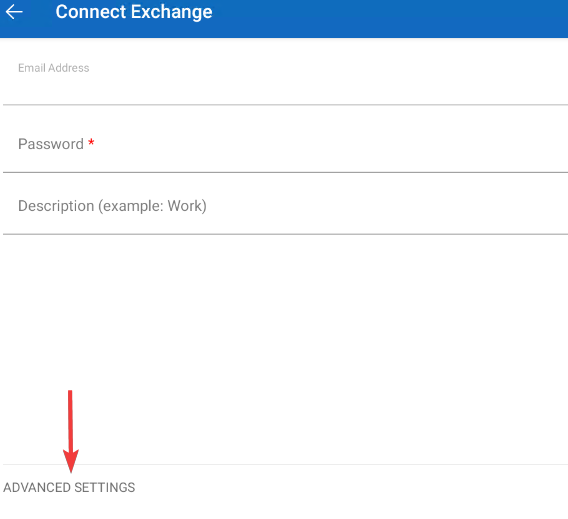
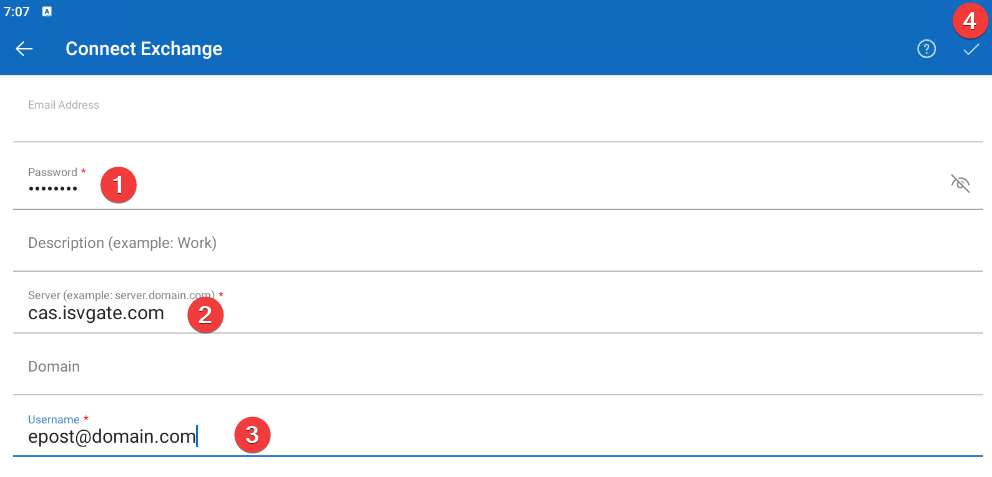
- Enter password and under description enter the description of the account e.g. your email address. Under server enter cas.isvgate.com nothing under domain and under username enter your email address. And then click on the checkmark at the top right