Outlook MAC Apple instal hosted Exchange account
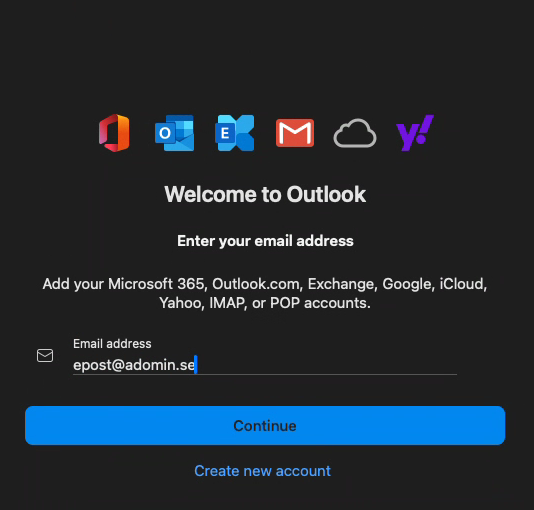
To install your Hosted Exchange account in Outlook MAC, start Outlook for MAC and enter your email address.
(This requires that you have added the DNS records according to this guide )
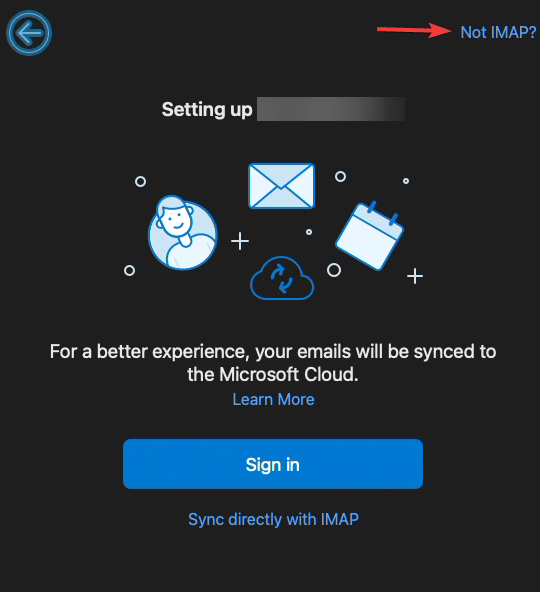
In the next box, click on not IMAP
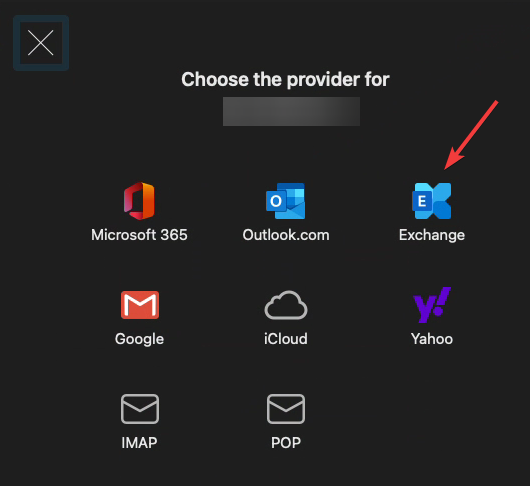
In the next box, click on Exchange
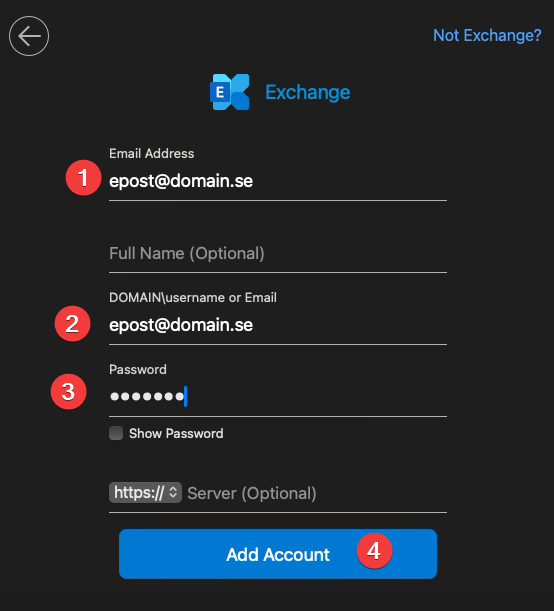
In the next box, enter your email address under DOMAIN\username or email and your password. Then click on add account
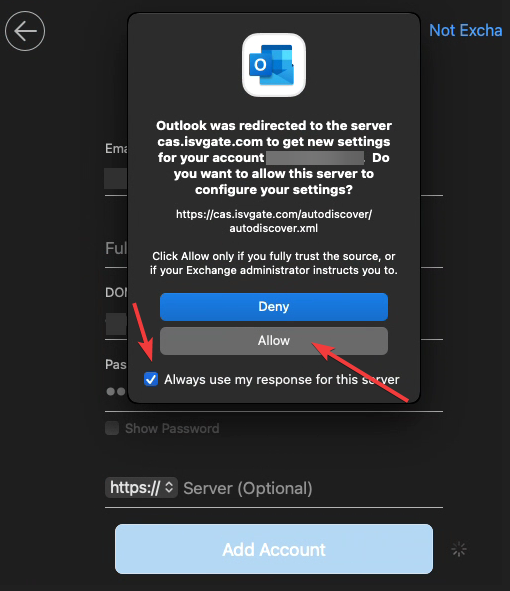
In the next box, first click on always use my response